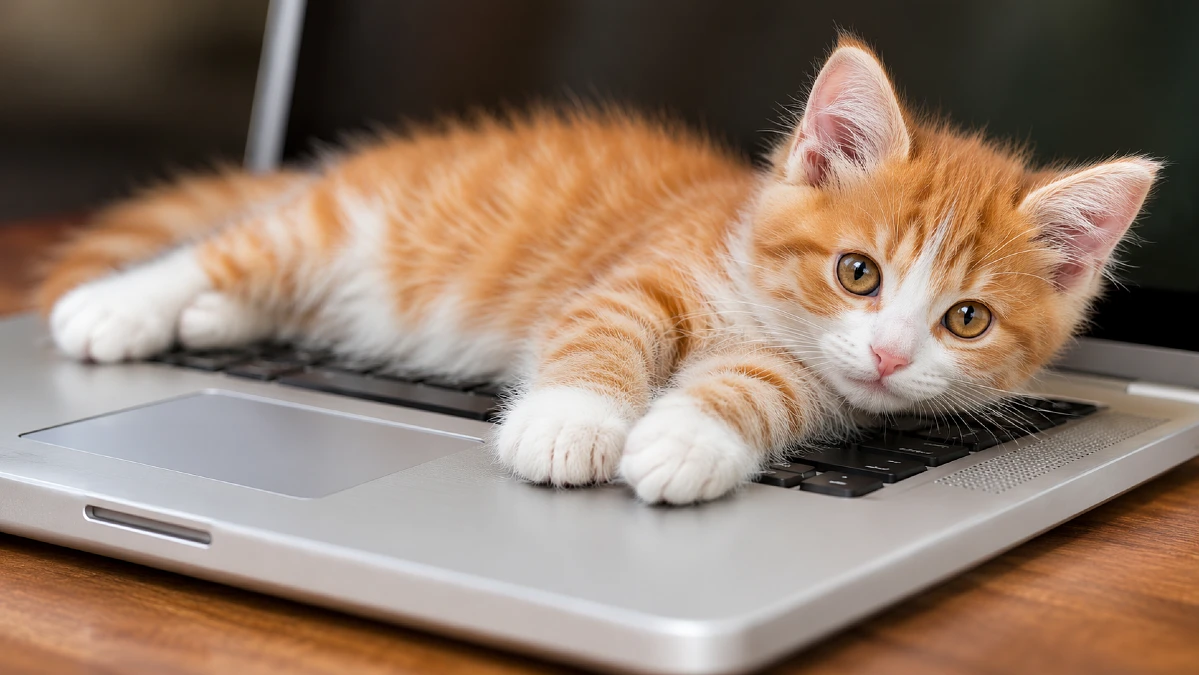
You finally sit down to get some work done. Your coffee is ready, your laptop is open, and you have barely typed your first sentence when your cat appears. Within seconds, those furry paws are on your keyboard, blocking the screen and turning your work into a mess of random letters.
The strange part is the timing. Your cat could have chosen the couch, a sunny window, or the soft bed you bought just for them. Instead, they seem determined to sit on your laptop precisely when you need it most.
So, why does your cat sit on your laptop every time you start working? Is it affection, attention seeking, or something about the computer itself?
Why Does Your Cat Sit on Your Laptop the Moment You Start Working?
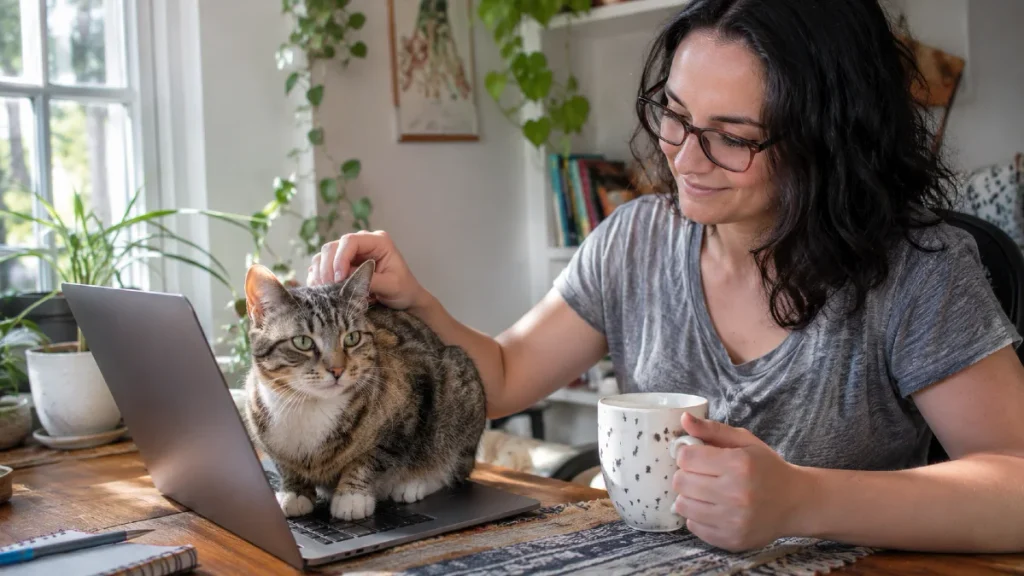
Your cat probably knows your work routine better than you realize. They notice when you pull out your chair, open your computer, and settle into the same position each morning.
Cats can learn to connect familiar actions with what happens next. If opening your laptop often leads to your cat receiving attention, the start of your workday may become an invitation to approach.
Your Work Routine Gives Your Cat a Clue
Think about what happens every time your cat jumps onto your keyboard. You might laugh, say their name, stroke their head, or pick them up and move them somewhere else.
Even if you are frustrated, your cat still gets a response. Over time, that response can make climbing onto your laptop a habit worth repeating.
VCA Animal Hospitals explains that cats may learn to seek attention by placing themselves on keyboards. The behavior can become more common when it regularly leads to something the cat enjoys.
There is also another possible reason for the perfect timing. When you begin working, you become quiet and stay in one place, making it easier for your cat to approach you.
Why the Keyboard Instead of the Empty Desk?
The keyboard is often directly between your hands and your face. That puts your cat close to the part of your workspace receiving most of your attention.
Your moving fingers may also catch your cat’s interest. A curious cat might watch the movement, investigate the keys, or reach out with a paw before deciding to settle down.
This does not mean your cat is planning to interrupt your work. Your laptop simply offers an appealing place at a moment your cat has learned to recognize.
Watch what happens tomorrow when you begin working. If your cat arrives before the laptop becomes warm, your routine or the chance to be near you may matter more than the computer’s temperature.
Is Your Cat Choosing Your Laptop for Warmth or Your Scent?
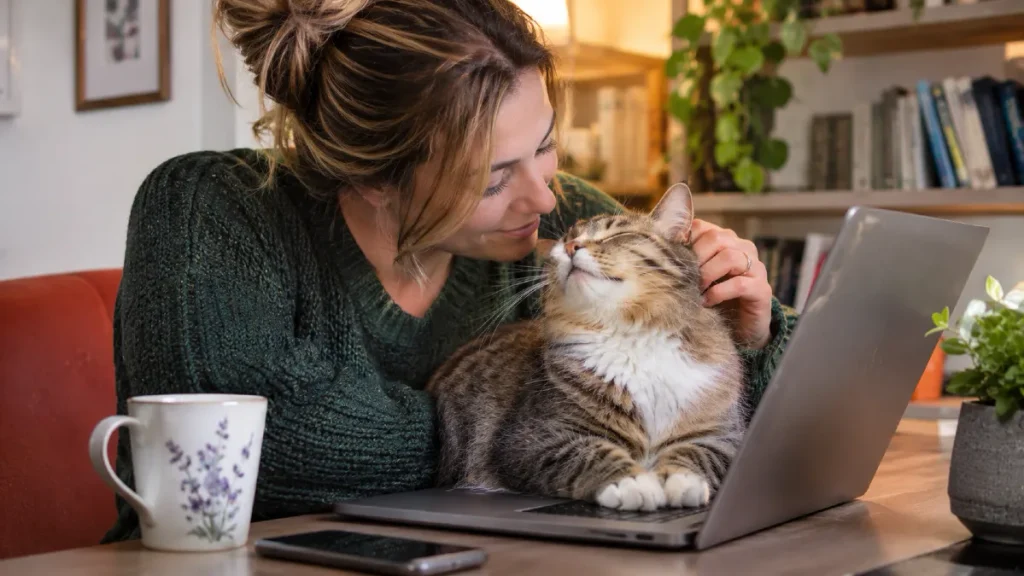
A laptop offers something that many ordinary desks do not: warmth. When a computer is running, it produces heat that may make the surface appealing to a cat looking for a cozy resting spot.
Cats Protection identifies laptops among the warm household objects cats may choose for resting. This helps explain why some cats stretch across the keyboard after the computer has been running for a while.
But warmth cannot explain every case. Some cats settle on a laptop even when it is switched off, suggesting another attraction may be involved.
Your Laptop Carries a Familiar Smell
Your hands touch the keyboard throughout the day. Even though you cannot smell anything unusual, your cat may detect your familiar scent on the keys and surrounding surfaces.
In a May 2026 BBC Science Focus article, animal behavior expert Dr. David Sands discussed the importance of scent in cats’ attraction to laptops. He suggested that the smell left by their owners may be an important part of the behavior.
Cats also leave their own scent when they rub their cheeks against objects. Cats Protection explains that this helps make objects and places smell familiar to them.
If your cat rubs its face against your laptop before sitting down, scent communication may be part of the behavior. This does not prove your cat is trying to dominate you or claim ownership of your work.
How to Tell What Attracts Your Cat
The easiest way to find clues is to watch when your cat approaches and what they do before settling. Several patterns can help you decide what kind of alternative resting place to offer.
| What You Notice | Possible Reason | What to Try |
|---|---|---|
| Chooses a warm laptop | Seeking warmth | Offer a cozy bed |
| Rubs cheeks on the screen edge | Scent marking | Add familiar bedding |
| Sits on a cool, closed laptop | Familiar spot or smell | Place a blanket nearby |
| Arrives when you begin typing | Attention or curiosity | Greet before working |
| Settles between you and the screen | Closeness or attention | Offer a nearby perch |
These clues are not a test that proves what your cat is thinking. They help you make a reasonable guess based on the cat’s repeated behavior.
If a soft resting spot beside your desk suddenly becomes popular, you may have found what your cat was seeking. Keep that spot available and watch whether the keyboard visits become less frequent.
Does Sitting on Your Laptop Mean Your Cat Wants Attention?
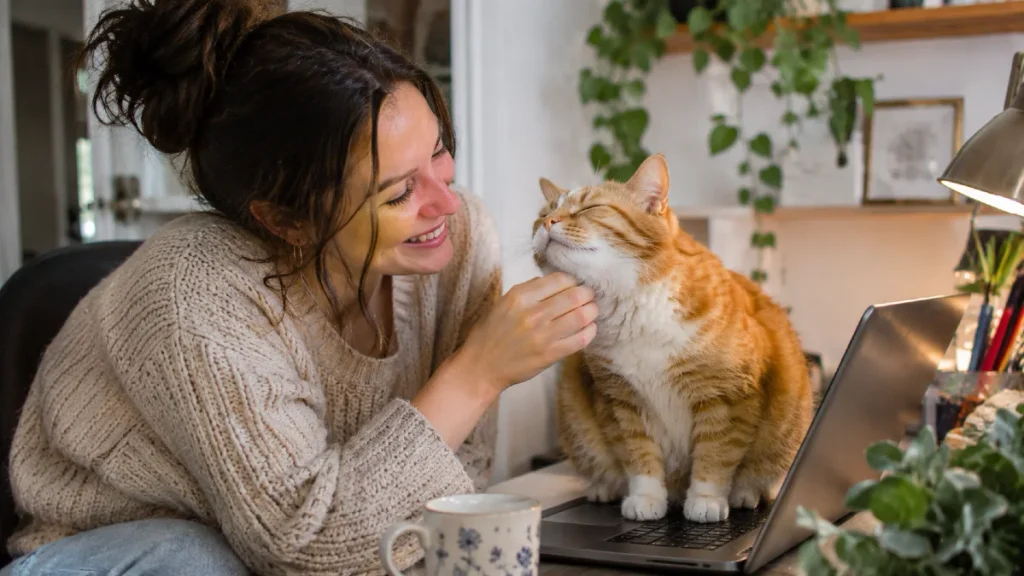
Sometimes your cat wants something very simple: you. When you stare at a screen for a long time, your cat may try to get involved in whatever is holding your attention.
That does not always mean they want to play. Some cats enjoy resting close to their owners without needing constant petting or conversation.
Research reported by Oregon State University in 2019 found that cats can form attachment bonds with their human caregivers. This supports the idea that human companionship matters to cats, although it does not tell us why any one cat chooses a laptop.
Your Reaction May Be Teaching the Habit
Consider what happens when your cat walks across the keyboard during an important meeting. You immediately stop talking, look down, and begin moving the cat away.
From your perspective, you are trying to solve a problem. From your cat’s perspective, climbing onto the laptop may have successfully made you pay attention.
VCA Animal Hospitals describes this process as reinforcement. When an animal’s action leads to something rewarding, that action may become more likely to happen again.
The reward does not have to be food. Petting, talking, playing, or being picked up can all matter to a cat that enjoys those interactions.
Your Cat May Simply Want to Be Close
There is a difference between demanding attention and enjoying company. A cat that quietly settles beside your hands may be looking for companionship rather than a game.
Watch what happens when you move your cat to a comfortable bed beside your desk. If they curl up and stay there, being close to you may have been enough.
A cat that keeps returning, pawing at your hands, or meowing may want more interaction. In that case, a short play session before you begin working could be worth trying.
The goal is to respond to what your cat needs without teaching them that blocking your keyboard is the best way to get it.
What Does Your Cat’s Body Language Reveal About This Habit?
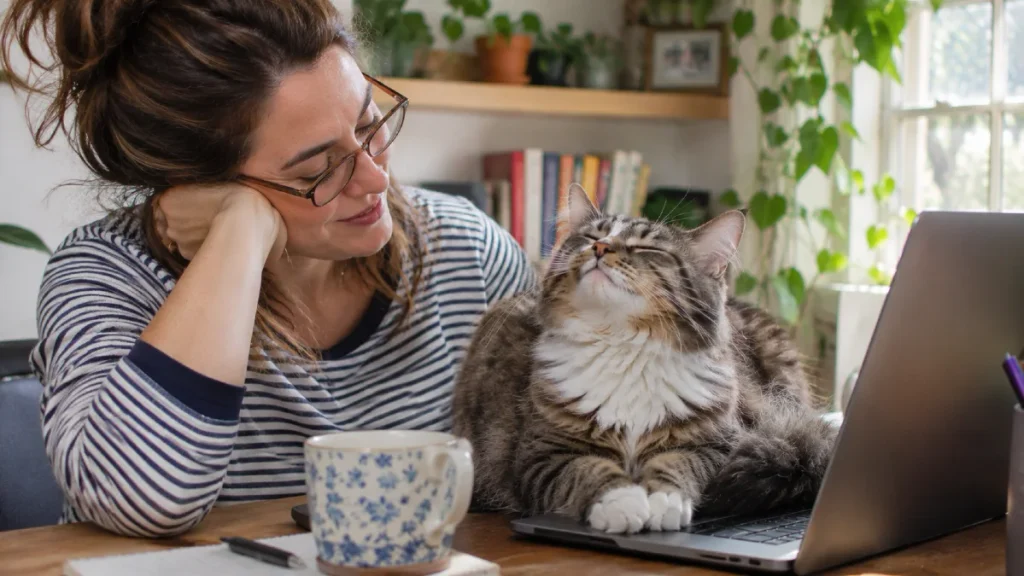
Your cat’s body language gives you important clues about how they feel at your desk. The same laptop behavior can look quite different depending on whether the cat is relaxed, excited, frustrated, or worried.
Cats Protection advises looking at several body signals together rather than relying on one behavior. Ear position, eyes, tail movement, and posture can all help you decide how to respond.
Signs Your Cat Feels Comfortable
A relaxed cat may approach with an upright tail, soft eyes, and ears in a natural position. They might rub against your hand, settle into a comfortable position, or slowly blink while resting nearby.
Some cats purr during these moments, but purring alone is not proof of happiness. Cats can also purr when stressed or in pain, so the rest of their behavior matters.
A tense cat may flatten its ears, crouch low, or move away when approached. These signs suggest that the cat may need space rather than more touching.
Match Your Response to Your Cat’s Behavior
Before picking up your cat, look at the whole situation. The following guide can help you choose a calm response instead of automatically reaching for your pet.
| Body Language | Possible Meaning | Best Response |
|---|---|---|
| Soft eyes, loose body | Relaxed and comfortable | Offer a nearby bed |
| Upright, relaxed tail | Friendly approach | Give a calm greeting |
| Repeated pawing or meowing | May want interaction | Offer play or attention |
| Flattened ears, tense body | Stress or discomfort | Give space |
| Restless movement, repeated returns | Seeking something | Check needs and surroundings |
Your cat’s mood can change during the day. A cat that wants affection in the morning might prefer to be left alone later.
If your cat looks uncomfortable when you try to move them, do not force a cuddle. Encourage them to walk to another safe spot, and give them room to settle.
How Can You Keep Your Cat Off Your Laptop Without Scolding?
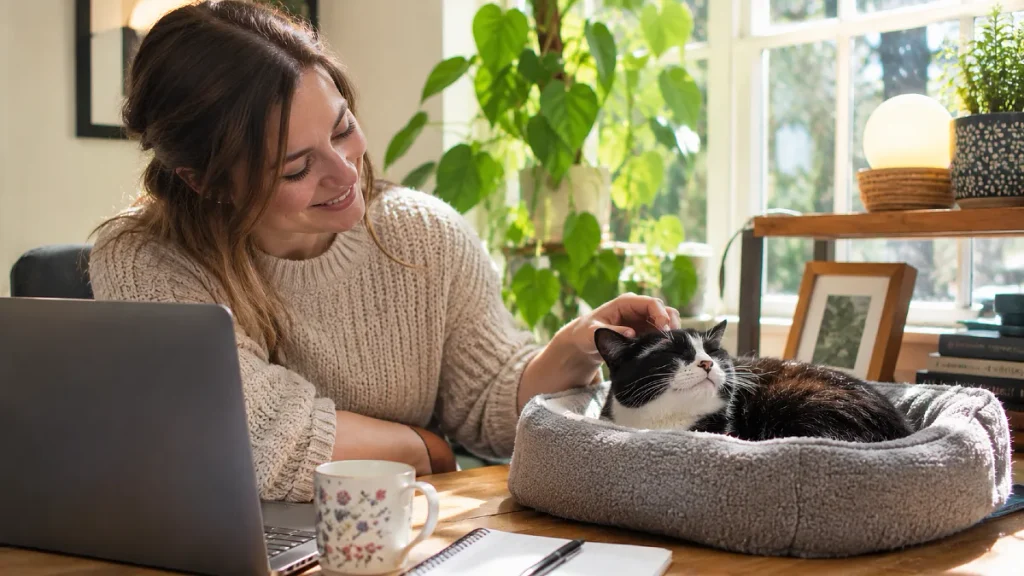
The best way to protect your workspace is to give your cat a reason to choose somewhere else. Simply pushing them away may stop one interruption, but it does not address what attracted them to the laptop.
Cats Protection advises against punishing cats for unwanted behavior. Shouting, spraying water, or frightening your cat can create stress and may damage their trust in you.
Instead, make an acceptable resting place rewarding and easy to reach.
Start With Attention Before Opening Your Laptop
If your cat often seeks play at the beginning of your workday, try giving them a short play session before you sit down. Use a wand toy or another favorite toy and allow them to chase and catch it.
For a starting routine, try a few minutes of play followed by a calm greeting. Adjust the length to suit your cat’s energy, age, and interest.
This may help some cats settle more easily. However, a highly active kitten may still need additional play and activity during the day.
Give Your Cat a Spot That Feels Worth Choosing
Place a comfortable bed, sturdy box, or soft blanket close to where you work. Make sure your cat can still see you without sitting on the keyboard.
Add a familiar blanket or another item carrying a comfortable household scent. If your cat enjoys looking out of windows, a safe window perch may be more appealing than a desk bed.
Do not place the bed against laptop vents or other hot equipment. Your cat should have enough space to stretch, turn around, and leave whenever they want.
Reward the Right Spot
When your cat settles in the new bed, offer something they enjoy. This might be a small treat, gentle praise, or a brief stroke if your cat likes being touched.
VCA Animal Hospitals recommends using rewards to encourage desired behavior. The timing matters because your cat needs to connect the reward with the choice you want repeated.
When your cat steps onto the keyboard, calmly guide them away or encourage them to step into the nearby resting area. Avoid turning the interruption into an exciting game.
What to Do During Common Workday Interruptions
Consistency matters more than finding a dramatic way to stop the behavior. Use the same calm response each time, while making sure your cat’s normal needs are met.
| Situation | Better Response | What to Avoid |
|---|---|---|
| Cat jumps onto keys | Redirect to their bed | Shouting or pushing |
| Cat wants play | Offer a planned play break | Playing on the keyboard |
| Cat returns repeatedly | Reward the resting spot | Giving mixed signals |
| Cat ignores the new bed | Change its position or texture | Forcing the cat to stay |
| Cat interrupts a meeting | Provide a safe nearby activity | Sudden punishment |
If your cat keeps choosing the laptop, look again at the alternative you offered. It may be too far away, too exposed, or simply less comfortable.
A successful setup lets your cat stay near you while keeping your keyboard clear. The process may take repeated practice, especially when the old habit has been rewarded for a long time.
Which Cat Bed or Perch Could Replace Your Laptop?
You do not need an expensive cat bed to create a good work area for your pet. What matters most is choosing a resting spot that matches the reason your cat likes the laptop.
A cat that enjoys warmth may prefer a soft fleece bed. A cat that watches everything you do may choose a perch where they can see your hands and face.
Match the New Spot to Your Cat’s Preference
VCA Animal Hospitals notes that many cats enjoy elevated resting areas where they can watch their surroundings. A stable cat tree beside your workspace can offer this without blocking your computer.
If your cat loves watching birds outside, a window bed may be more attractive. If your cat prefers soft, enclosed spaces, a padded box or sheltered bed could be a better fit.
| Your Cat’s Preference | Suitable Alternative | Placement Tip |
|---|---|---|
| Warm and cozy | Soft fleece bed | Draft free area |
| Close to you | Padded chair or desk bed | Beside your seat |
| Watching the room | Stable cat tree | Near your workspace |
| Looking outdoors | Secure window perch | Near a suitable window |
| Playing and exploring | Food puzzle or activity toy | Clear floor space |
You can begin with something you already own, such as a sturdy box and a folded towel. If your cat likes it, there is no need to buy anything more.
If you prefer a purpose made product, the K&H Pet Products EZ Mount Window Bed provides a window resting space. The Catit Vesper Box offers different resting levels, while the PetSafe SlimCat Interactive Feeder gives cats an activity involving dry food.
Choose products based on your cat’s needs and the space available. Secure furniture properly, follow installation directions, and account for any food used in puzzles as part of your cat’s daily meals.
The new spot should become a positive part of your cat’s routine. Leave it available even when you are not working so your cat can choose it freely.
When Should You Worry About Your Cat Sitting on Your Laptop?
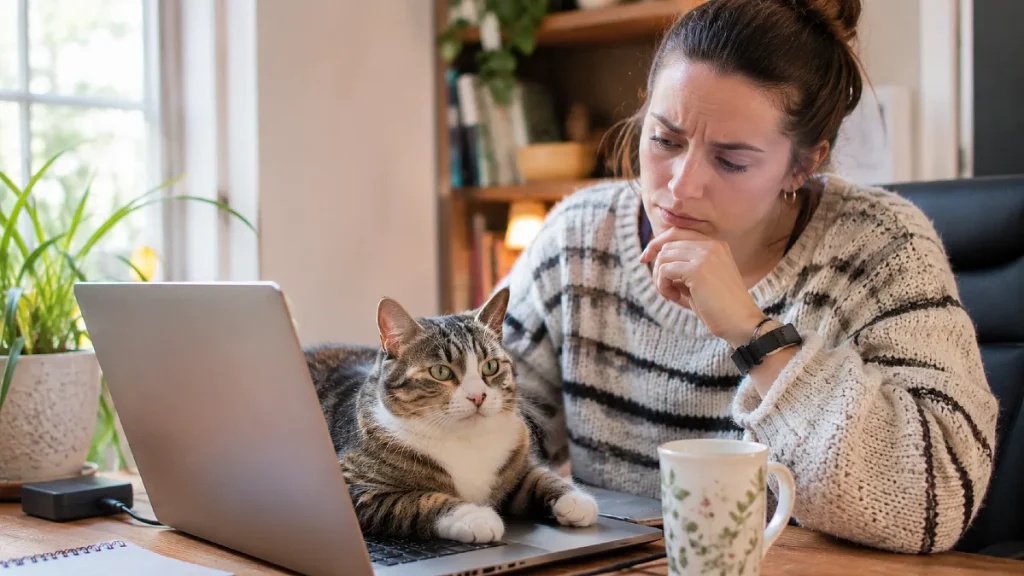
For many cats, climbing onto a laptop is ordinary behavior. However, there are situations where you should protect your cat, your equipment, or both.
A computer that becomes very hot is not a suitable resting surface. Cats can also block the vents that help a laptop release heat, making the device overheat.
RSPCA Pet Insurance highlighted these concerns in its October 2026 guidance on cats sitting on laptops. If the computer is hot, calmly move your cat to a safer resting place.
Watch for Electrical and Workspace Hazards
Loose charging cables can be dangerous if your cat chews them. PetMD explains that electric shock from biting a live cord can cause serious injuries and requires urgent veterinary care.
Keep cords secured and away from curious paws and mouths. Move hot drinks, unstable objects, and anything sharp away from the area where your cat likes to walk.
If you suspect your cat has suffered an electrical shock, seek emergency veterinary help. Do not touch exposed wiring or a cat still in contact with a live electrical source until the power has been safely disconnected.
Notice Sudden Changes in Behavior
A cat that has always enjoyed sitting on your laptop is usually less concerning than a cat that suddenly becomes unusually clingy. A new pattern of constant following, repeated crying, or difficulty settling may deserve closer attention.
Cats Protection recommends contacting a veterinarian when a cat develops behavior that is out of character. Changes in eating, drinking, grooming, litter box use, or activity can make a veterinary check especially important.
Do not assume your cat is anxious or sick simply because they want to sit near you. Look for changes from their normal behavior and consider the full picture.